This picture book maker takes you from an idea to a finished, illustrated book you can print. It writes the story, draws the cover first, then draws each page using the cover as a reference so the hero keeps the same face, clothes and colours. When the pages are ready, the print view lays them out for A4, US Letter or an 8.5-inch square book.
Last updated:
Child’s drawing of the hero (optional)
A drawing your child made, never a photo: photos of children are refused. Sign in to upload. JPG, PNG or WebP up to 10 MB.
For adults: parents, teachers and grandparents. Writing a book needs an account.
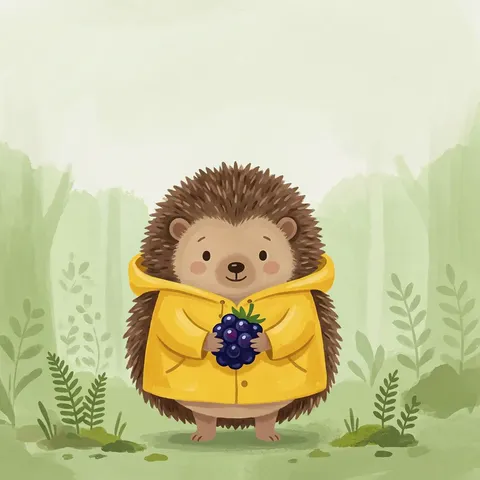
Hazel Shares a Berry
Gouache · Ages 4–6
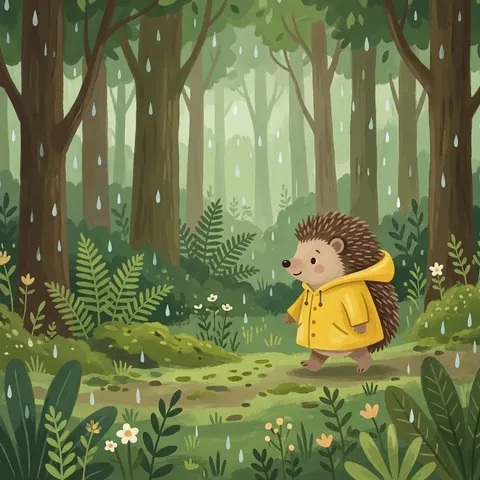
Hazel walks through the green woods. The air is cool and sweet. A little rain falls down. Splash, splash, goes the puddle.
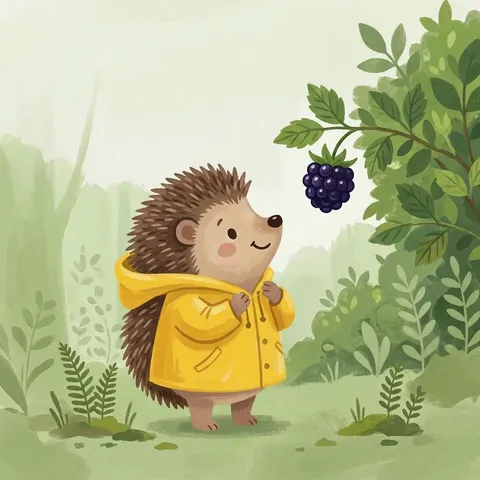
Hazel looks up and sees a bush. It is the very last blackberry bush. One big, dark berry waits at the top.
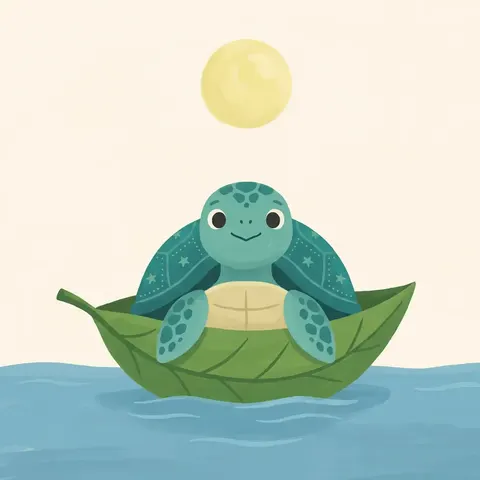
Tilly and the Island of the Moon
Gouache · Ages 6–8
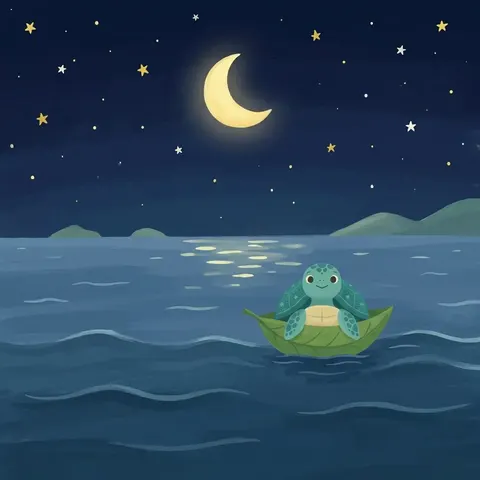
Tilly wanted to see where the moon sleeps. She climbed into a green leaf boat. The leaf rocked gently on the blue water. Up and away went Tilly, sailing into the quiet night. Paddle, paddle, little leaf boat. Sail, sail, across the sea.
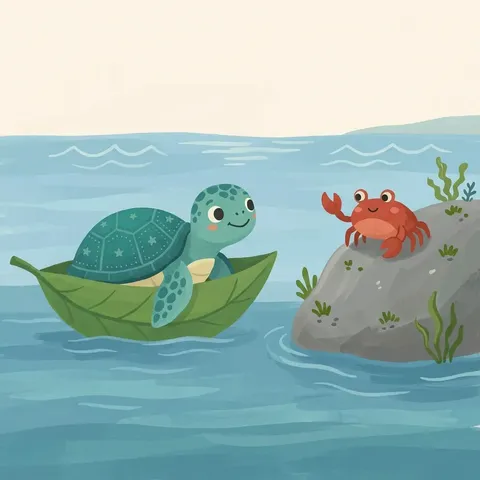
A friendly red crab waved from a flat gray rock. Where are you going, little turtle? asked the crab. I am looking for the island where the moon sleeps, said Tilly. The crab pointed a claw. Follow the path of shimmering stars.
Good for
A printed gift book for a birthday or a new sibling
A children’s book generator draft before hiring an illustrator
Class books that every pupil takes home
Longer stories: up to fourteen pictures including the cover
How to use it
01
Write the story
Describe the hero and the idea, choose the age band, and pick the largest size if you want room for a full story arc.
02
Illustrate every page
Choose an art style and a picture model. Nano Banana 2.1 is the default; GPT Image 2 is an alternative. Turn on print quality for 2K pictures with Nano Banana 2.1.
03
Print or save as PDF
Open the print view, pick a page size and use your browser’s print dialog to print or save a PDF. The print view is free.
Keeping one hero across every page
The hardest part of an AI picture book is consistency. Pagewhistle draws the cover first and passes it to every later page as a reference picture, along with your hero description and, if you uploaded one, the child’s drawing. That keeps the character recognisable as the scenes change. If one page drifts, redraw just that page; it costs one picture, not a whole book.
Screen quality or print quality
Standard pictures look sharp on phones, tablets and for small prints. For a printed book larger than a postcard, turn on the 2K print-quality option, available with Nano Banana 2.1. It costs more per picture, so a common approach is to draft at standard quality, fix the text and scenes, and redraw only the final pages at 2K.
From PDF to a bound book
The print view puts one picture and its text on each page, with the cover first. Save it as a PDF and you can print at home, take it to a copy shop, or upload it to a print-on-demand service that accepts PDF files. Our blog post on printing covers paper weight and binding choices.
What it costs
The story costs the same at any size. Each picture is charged on its own, so a bigger book costs more. Narration is charged per started 1,000 characters. See credit packs
Credits per step by model and quality
Model
Unit
Credits
Gemini 3 FlashWrite the story
Per story, any size
15
Nano Banana 2.1Draw a picture
Per picture, screen quality
28
Per picture, print quality
41
GPT Image 2Draw a picture
Per picture, screen quality
41
ElevenLabs Turbo v2.5Narration
Per started 1,000 characters
41
Questions
Is the picture book maker free?
Writing and drawing use credits, and each step shows its price before it starts. Editing text, the flipbook reader and the print view are free. New accounts get a one-time grant after email verification, enough for one six-picture book.
Can I sell a book I made?
You may use your books as the Terms allow, as long as the story and pictures do not copy someone else’s characters or brands. Check the Terms of Service before selling.
How many pages can a book have?
Six, ten or fourteen pictures, the cover included, so five, nine or thirteen story pages.
Does the PDF include text on the pictures?
Pictures are drawn without text. The print view sets the story text below or beside each picture, so it stays sharp and you can edit it at any time.